

Tensormesh simplifies the deployment process by integrating GPU resource selection directly into your workflow. You can transition from configuration to a live API endpoint in minutes.Documentation Index
Fetch the complete documentation index at: https://docs.tensormesh.ai/llms.txt
Use this file to discover all available pages before exploring further.
Deployment Tiers
On-Demand
Flexible, pay-as-you-go GPU resources for dynamic workloads.
Reserved
Dedicated GPU clusters for consistent, high-volume workloads.
Serverless
Pay-per-token API access with no infrastructure to manage.
Deploying On-Demand
Navigate to Deploy → On-Demand from the sidebar to begin.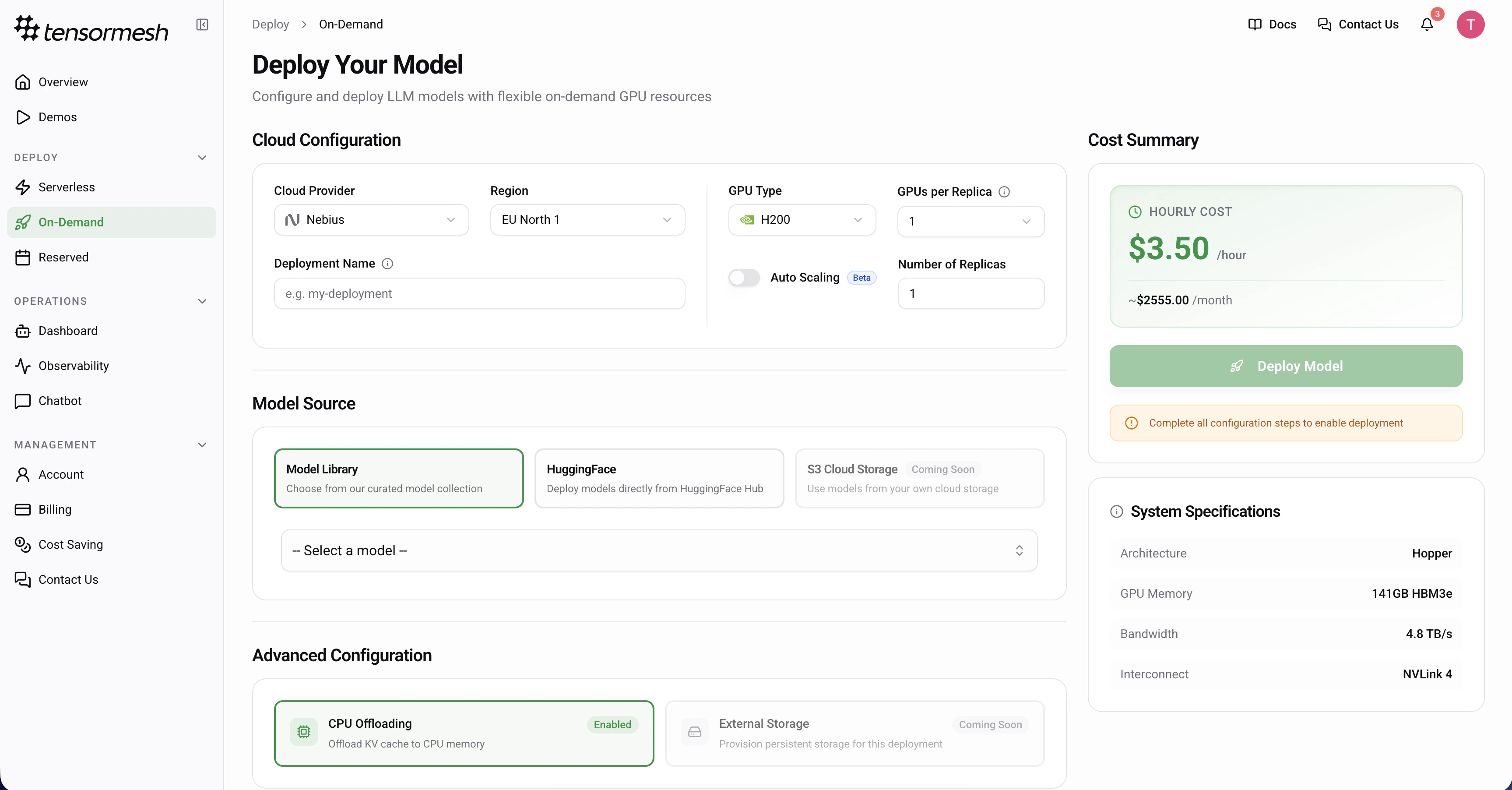
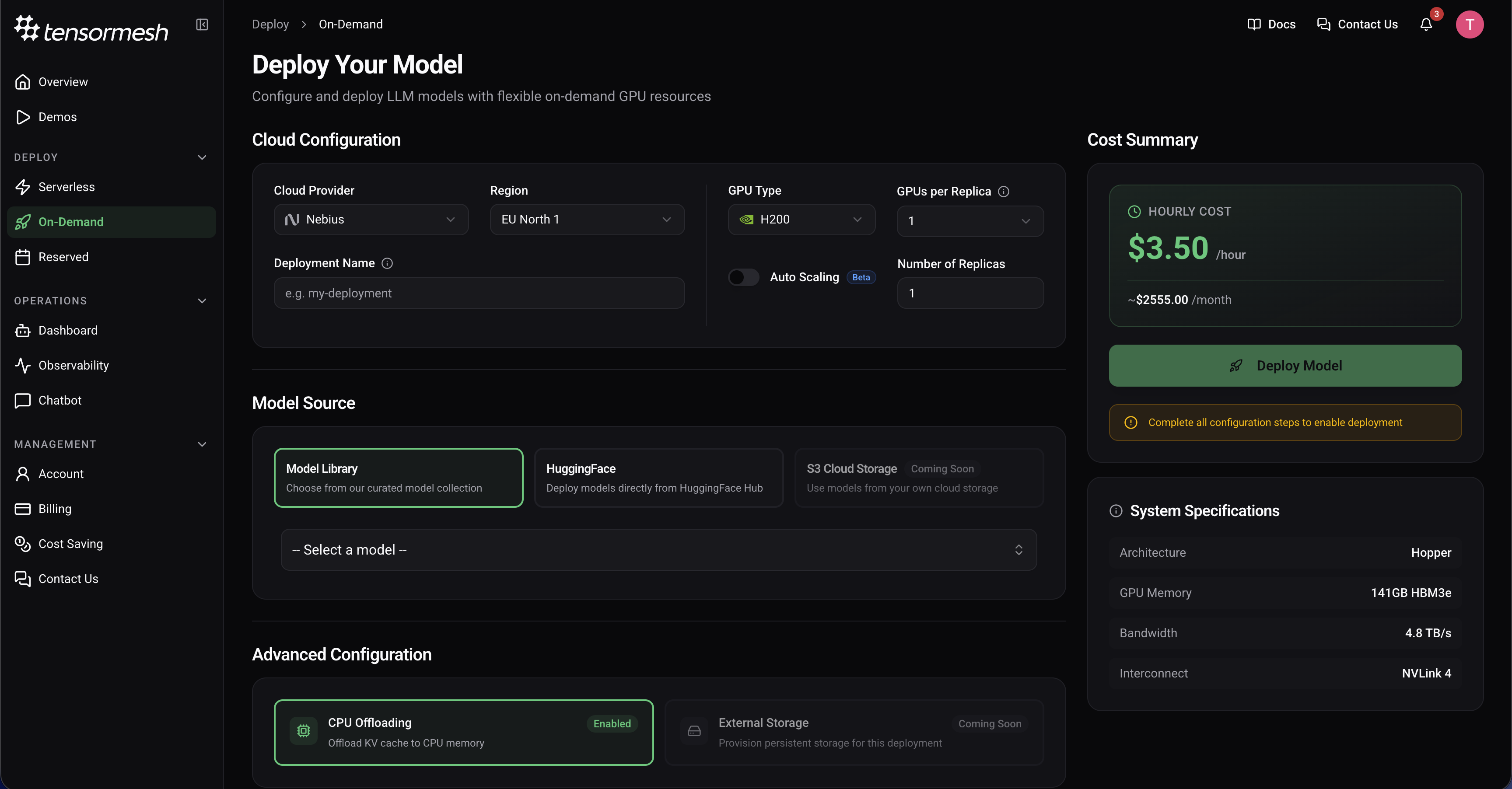
Cloud Configuration
Configure your hardware environment to match your model’s requirements.Cloud Provider — Select your preferred provider
Region — Choose a geographic location for your deployment
GPU Type — Select the specific GPU model
GPUs per Replica — Specify the number of GPUs assigned to each instance
Scaling Mode — Choose between Fixed (set a static replica count) or Auto Scaling (define min/max replicas and let the platform scale based on demand)
Deployment Name — Provide a custom name or leave empty for an auto-generated ID (optional)When Auto Scaling is enabled, configure:Min Replicas — Minimum number of replicas (can be 0 to scale to zero)
Max Replicas — Maximum number of replicas to scale up to (currently up to 2)
Scale to Zero Delay — Seconds to wait before scaling down to zero
Scale Up Stabilization — Seconds to wait before scaling up after a spike
Scale Down Stabilization — Seconds to wait before scaling down after load drops
Region — Choose a geographic location for your deployment
GPU Type — Select the specific GPU model
GPUs per Replica — Specify the number of GPUs assigned to each instance
Scaling Mode — Choose between Fixed (set a static replica count) or Auto Scaling (define min/max replicas and let the platform scale based on demand)
Deployment Name — Provide a custom name or leave empty for an auto-generated ID (optional)
Beta Feature: Auto Scaling is currently in beta. Behavior and configuration options may change as the feature matures.
Max Replicas — Maximum number of replicas to scale up to (currently up to 2)
Scale to Zero Delay — Seconds to wait before scaling down to zero
Scale Up Stabilization — Seconds to wait before scaling up after a spike
Scale Down Stabilization — Seconds to wait before scaling down after load drops
Model Source
Tensormesh supports multiple sources for your models.Model Library — Choose from a curated, pre-optimized model collection
HuggingFace — Deploy directly from the HuggingFace Hub (provide repository ID and token for private models)
S3 Cloud Storage — Deploy custom or fine-tuned models from your private storage (Coming Soon)
HuggingFace — Deploy directly from the HuggingFace Hub (provide repository ID and token for private models)
S3 Cloud Storage — Deploy custom or fine-tuned models from your private storage (Coming Soon)
Advanced Configuration
Optimize your inference engine with specialized caching and offloading settings.
CPU Offloading
Default: EnabledOffloads the KV cache to CPU memory to manage larger contexts.
Storage Offloading
(Coming Soon)Will allow offloading the KV cache to external storage.
Review System Specifications
Review the hardware capabilities of your selection in the side panel.Architecture — The underlying GPU architecture
Memory — Total HBM available
Bandwidth — Data transfer rate
Interconnect — GPU-to-GPU communication technology
Memory — Total HBM available
Bandwidth — Data transfer rate
Interconnect — GPU-to-GPU communication technology
Cost Summary & Launch
The Cost Summary panel provides real-time estimates based on your configuration.Hourly Cost — The real-time rate per hour
Monthly Estimate — Projected cost for a full month of continuous operationOnce all required configuration steps are complete, click Deploy Model to initiate provisioning.
Monthly Estimate — Projected cost for a full month of continuous operationOnce all required configuration steps are complete, click Deploy Model to initiate provisioning.
Reserved Deployments
For large-scale workloads and enterprise-grade performance, Reserved Deployments provide dedicated GPU clusters tailored to your specific infrastructure needs. Navigate to Deploy → Reserved to request a tailored capacity plan.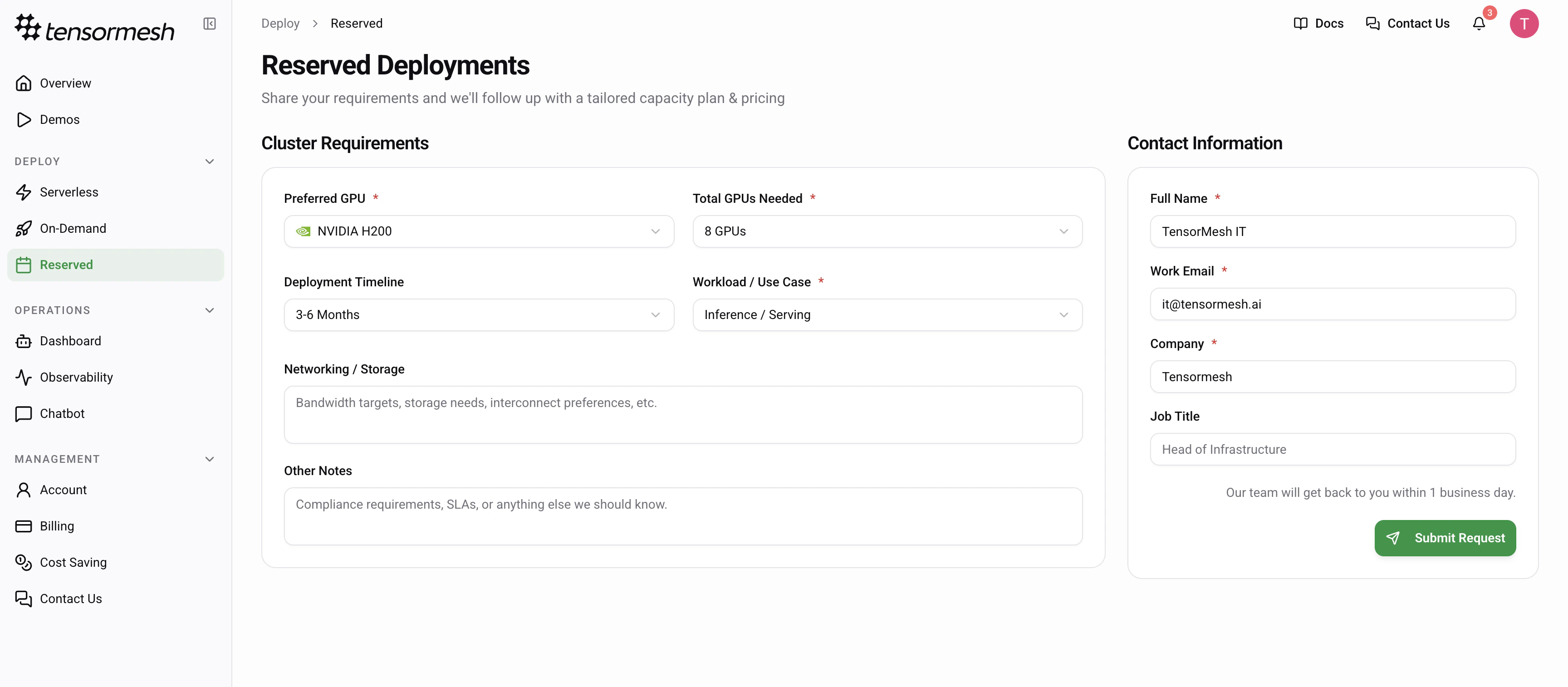
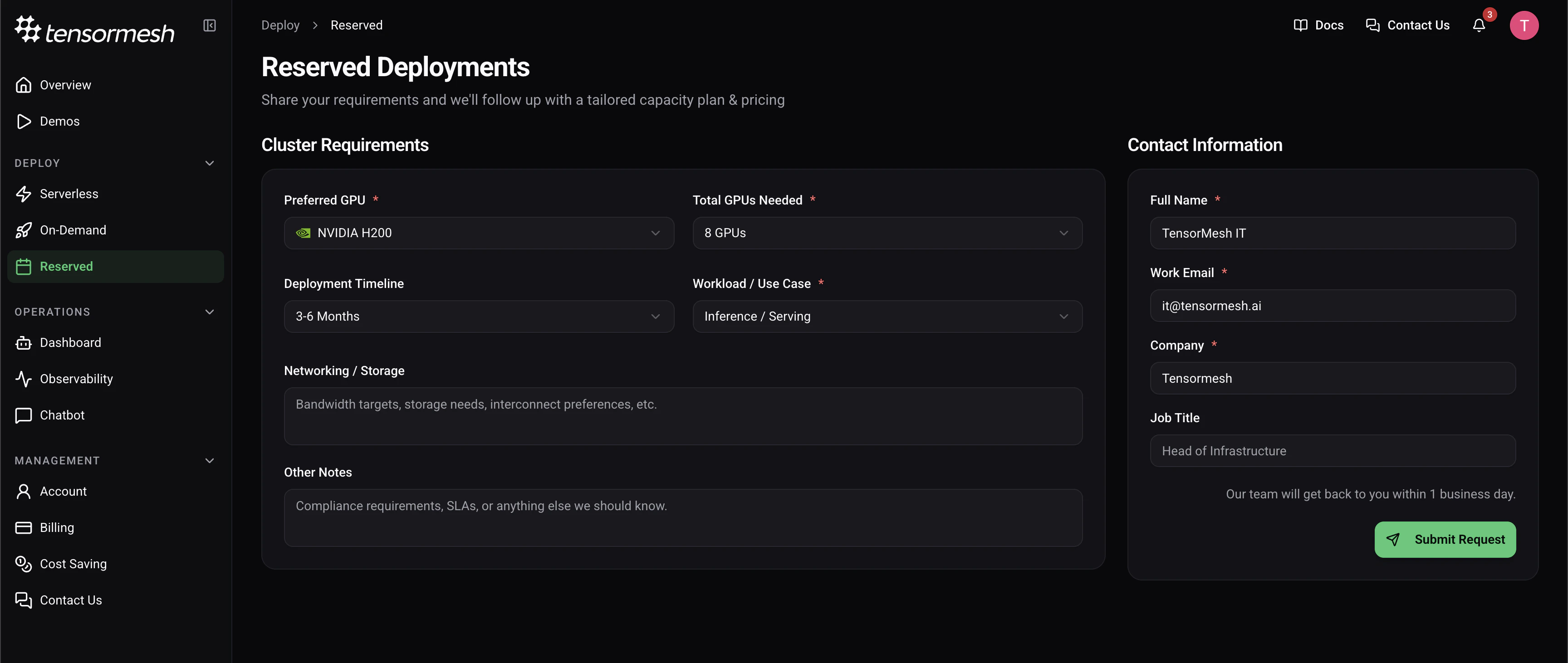
Requesting a Cluster
To initiate a reserved deployment, provide your cluster specifications through the request form. GPU Selection — Choose between high-compute optionsCluster Size — Define the total number of GPUs required for your workload
Timeline — Specify your deployment window
Use Case — Define the intention for the cluster
Use the “Additional Requirements” field to specify custom networking needs, storage bandwidth targets, or specific compliance and SLA requirements.